Circle Gradient Infographic Template Design Guide
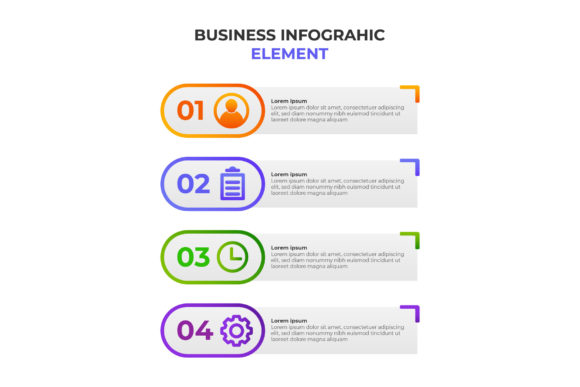
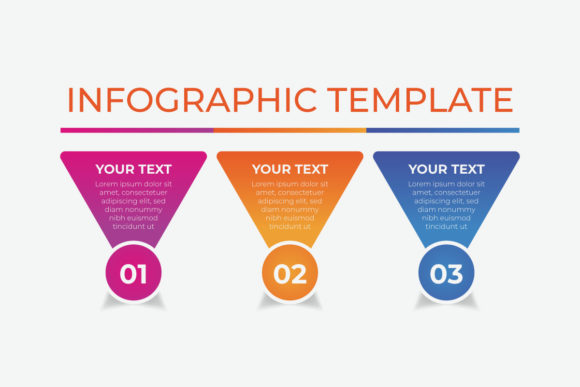
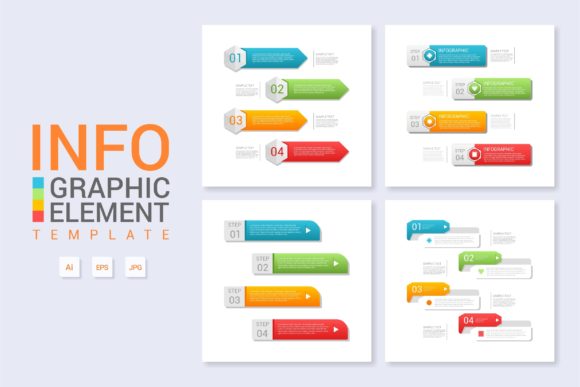
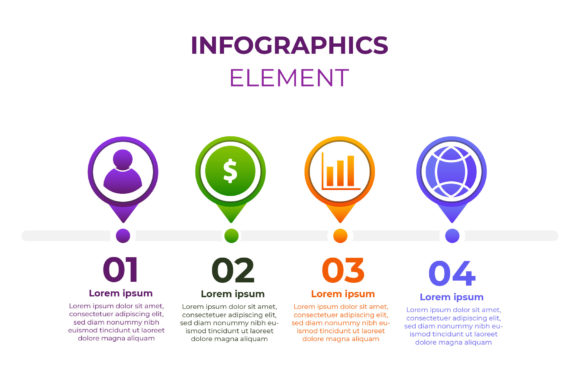
Visual communication often struggles to balance aesthetic appeal with structural clarity. The Circle Gradient Infographic Template addresses this specific challenge by combining the psychological comfort of circular geometry with the modern visual interest of color gradients. At its core, this design asset is a pre-structured layout featuring four distinct segments arranged in a cycle or radial formation. Unlike flat, static diagrams, the gradient element introduces depth and directionality, subtly guiding the viewer’s eye through a sequential process or a set of interconnected concepts. For users working with vector EPS 10 files, this template serves as more than just a pretty picture; it is a functional framework that maintains mathematical precision while allowing for extensive creative customization.
Diverse Applications Across Skill Levels
The value of a four-step circle design shifts dramatically depending on who is using it and for what purpose. A graphic design student might approach this template as a study in color theory and path manipulation, analyzing how gradients interact when curved along a vector stroke. In contrast, a small business owner likely views the same file as a time-saving device that bridges the gap between having raw data and presenting a polished quarterly report. Understanding these different perspectives helps clarify why editable vector formats remain an industry standard despite the rise of drag-and-drop web tools.
For beginners and non-designers, the primary priority is usually ease of use and immediate visual impact. The circle gradient infographic provides a "safe" structure. Because the layout is already balanced, there is little risk of creating a composition that feels lopsided or unprofessional. A freelance social media manager, for example, can open the EPS 10 file, swap out the placeholder text for client testimonials or service steps, adjust the hue to match brand guidelines, and export a high-resolution image in minutes. Here, the template acts as a guardrail, ensuring quality without requiring advanced illustration skills.
Experienced professionals and agencies evaluate the template through a lens of flexibility and technical reliability. They are less concerned with the default appearance and more focused on the underlying construction. Is the gradient mesh clean? Are the anchor points optimized? Can the four segments be easily expanded to six or reduced to three without breaking the geometry? For a senior art director at a marketing firm, the Circle Gradient Infographic Template is valuable because it is built on scalable vector mathematics. This ensures that whether the graphic appears on a mobile screen or a large-format trade show banner, the edges remain crisp and the color transitions remain smooth. The EPS 10 compatibility also guarantees that the file works across various versions of Adobe Illustrator and alternative vector software like Affinity Designer or CorelDRAW.
Educators and Knowledge Transfer
In educational settings, the priorities shift toward clarity and cognitive load management. Teachers and corporate trainers use four-step circle designs to explain cyclical processes, such as the water cycle, agile development sprints, or customer feedback loops. The gradient serves a functional role here rather than a purely decorative one. By shifting colors from cool to warm or light to dark, educators can visually encode information about progression, intensity, or stages of maturity. A biology teacher might use a green-to-brown gradient to represent decomposition stages, while a business coach might use blue-to-gold to signify value accumulation. The template allows these concepts to be standardized across different lessons, helping students build visual literacy over time.
Evaluating Quality and Technical Specifications
Not all infographic templates are created equal, and discerning users must look beyond the thumbnail preview. When assessing a Circle Gradient Infographic Template, several technical factors determine its long-term usefulness and commercial value.
- Vector Integrity: True vector assets should allow for infinite scaling without pixelation. Verify that the gradients are applied as vector fills or meshes rather than embedded raster images. Rasterized gradients inside a vector file defeat the purpose of using EPS format.
- Color Mode Flexibility: Professional templates often include both CMYK (for print) and RGB (for digital) variations. Gradients can behave unpredictably when converted between color spaces, so having native versions for each medium prevents muddy prints or dull screen displays.
- Layer Organization: An editable EPS 10 file should have logically named layers and groups. If you have to hunt through dozens of unnamed paths to change a single text label, the efficiency gain is lost. Well-organized templates separate background elements, gradient shapes, icons, and typography into distinct groups.
- Text Editability: Ensure that text remains as live type rather than outlined curves. Outlined text cannot be edited without redrawing the letters, which renders the template useless for quick updates. Live text allows you to maintain font consistency and make spelling corrections instantly.
Creative Customization Strategies
While the template provides a starting point, its true power emerges when users adapt it to specific narratives. Entrepreneurs and content creators often need to break away from generic stock aesthetics to establish a unique brand voice. The four-step circle structure is surprisingly malleable. You might separate the segments to create a linear timeline rather than a closed loop, or overlap them to suggest integration rather than separation. Adjusting the gradient angle can change the perceived motion of the graphic; a radial gradient suggests expansion from a center point, while a linear gradient implies directional flow.
For hobbyists and DIY enthusiasts, this template offers a low-stakes environment to experiment with professional design principles. Modifying the gradient stops, changing blend modes, or adding texture overlays can transform a standard corporate asset into something artistic and personal. This learning process builds transferable skills that apply to other design projects. Conversely, publishers and media companies might prioritize speed and consistency. For them, the template is part of a larger design system where the circle gradient becomes a recurring visual motif that ties together articles, reports, and social media posts into a cohesive identity.
Matching the Template to Your Goals
Deciding whether this specific design asset fits your needs requires honest self-assessment regarding your project scope and technical comfort level. If your goal is to present complex, non-linear data with dozens of variables, a rigid four-step circle may be too limiting. However, if you need to communicate a clear, concise process or a set of four key pillars, this format is exceptionally effective.
Consider your output requirements. If you primarily work in web-based tools like Canva or Figma and never touch desktop vector software, an EPS 10 file might introduce unnecessary friction unless you convert it first. But if you require print-ready files for brochures, packaging, or large signage, the vector format is non-negotiable. The initial learning curve of opening and editing an EPS file pays dividends in output quality and resolution independence.
Ultimately, the Circle Gradient Infographic Template succeeds because it solves a universal problem: making structured information look engaging. Whether you are a marketer trying to increase engagement rates, an educator simplifying a complex topic, or a designer building a scalable asset library, the combination of circular flow and gradient depth provides a versatile foundation. By understanding the technical nuances and adapting the structure to your specific audience's needs, you transform a simple template into a powerful communication tool that respects both the content and the viewer's attention.