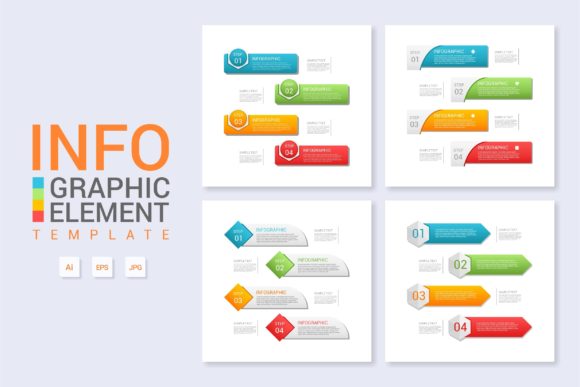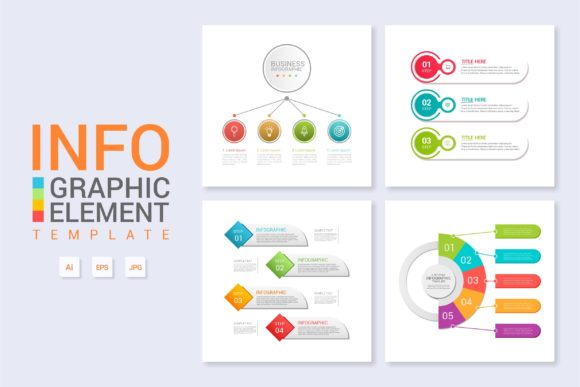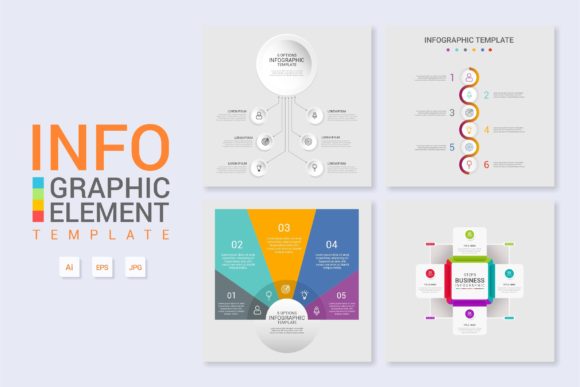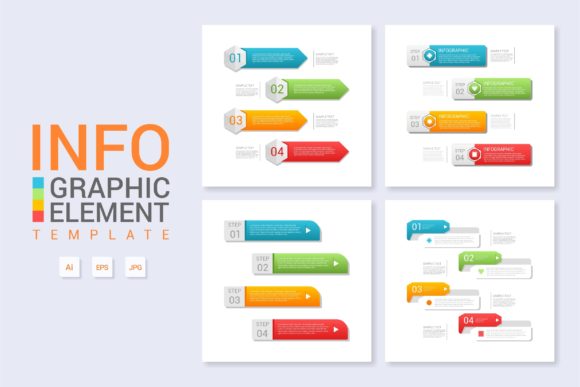
Infographic Template Vol.13: Visual Workflow Design
Visual communication often fails not because the data is flawed, but because the structure is invisible. When presenting complex workflows, product features, or step-by-step processes, the layout carries as much weight as the content itself. Infographic Template Vol.13 addresses this specific challenge by providing a structured yet flexible framework designed for clarity. Unlike generic slide decks that force content into rigid boxes, this template system prioritizes information hierarchy and visual flow. It serves as a foundational design asset for professionals who need to translate abstract concepts into digestible graphics without spending hours drawing connector lines or aligning text boxes from scratch.
The personality of this template leans toward modern utility. It avoids excessive ornamentation in favor of clean lines, balanced whitespace, and intuitive navigation paths for the viewer’s eye. This makes it particularly effective for technical diagrams, business process mapping, and educational content where comprehension is the primary metric of success. The aesthetic is professional enough for corporate reporting yet accessible enough for blog posts and social media carousels. By establishing a consistent visual language, Infographic Template Vol.13 helps maintain brand coherence across different types of deliverables, ensuring that a workflow diagram on your website feels like part of the same family as a printed brochure or a pitch deck.
Strategic Applications Across Digital and Print Media
Versatility is the defining characteristic of high-value design assets. While primarily categorized as an infographic tool, Vol.13 functions effectively across multiple creative domains. For web designers, the modular nature of the template allows for seamless integration into landing pages. You can isolate specific sections to create feature banners or expand them to build full-length vertical scroll narratives. This adaptability reduces the friction between concept and execution, allowing you to focus on messaging rather than pixel-pushing.
In the realm of content marketing and publishing, this template solves the engagement problem associated with dense text. Bloggers and editors can use it to break up long-form articles, transforming a list of tips into a visually engaging journey. For entrepreneurs and small business owners, it acts as a bridge between internal strategy and external communication. A complex internal workflow can be quickly adapted into a client-facing explanation of "how we work," building trust through transparency. The template’s organized layer structure means that updating these graphics for quarterly reports or new product launches takes minutes rather than days.
Print applications benefit equally from this structured approach. Because the main AI and EPS files are vector-based, the designs scale infinitely without losing crispness. This makes Vol.13 suitable for everything from business cards and postcards to large-format trade show banners and packaging inserts. When designing for print, the pre-established grid systems ensure that margins and bleed areas are respected, reducing the risk of costly production errors. Crafters and hobbyists creating physical products or zines will also find the clean geometry easy to adapt for vinyl cutting or screen printing, provided they simplify the text elements appropriately.
Typography and Hierarchy in Information Design
A template is only as good as the typography it supports. Infographic Template Vol.13 is engineered to work harmoniously with free fonts, removing licensing barriers while maintaining a premium look. However, the choice of typeface significantly influences how the audience perceives the information. When customizing this template, consider the relationship between readability and brand identity. Sans serif fonts generally perform best for the functional aspects of infographics—labels, captions, and data points—because their clean forms remain legible at smaller sizes and on screens. Serif fonts or display typefaces can be reserved for headers to inject personality or signal editorial authority.
Visual hierarchy dictates the order in which a viewer absorbs information. This template provides the scaffolding for that hierarchy, but you must refine it through typographic contrast. If you are explaining a serious financial process, a sturdy geometric sans serif conveys stability. For a creative workshop workflow, a rounded humanist sans or even a restrained handwritten font for annotations can make the content feel more approachable. Always test your font pairings at actual viewing size. What looks distinct on a 27-inch monitor may blur together on a mobile screen or a printed handout. Ensure there is sufficient contrast between background colors and text, adhering to accessibility standards to maximize audience engagement.
Consistency in typography builds recognition. If your brand uses a specific typeface for headlines, carry that into your infographics. Vol.13’s organized layers make this global replacement simple. By standardizing your typographic choices within the template, you create a cohesive visual ecosystem. This professionalism signals to clients and readers that your content is trustworthy and well-curated. Avoid the temptation to use too many font styles; the template’s strength lies in its restraint. Let the layout do the heavy lifting while the typography supports the narrative.
Maximizing Efficiency with Organized Assets
The true value of any design resource lies in how quickly it can be adapted. Infographic Template Vol.13 distinguishes itself through meticulous organization. Everything is layered and named logically, eliminating the guesswork that often plagues downloaded assets. When you open the main AI or EPS file, you aren't met with a chaotic stack of "Layer 1 copy 4." Instead, you find grouped elements labeled by function, such as "Icons," "Text Areas," "Backgrounds," and "Connectors." This structural integrity is crucial for teams where multiple designers might work on the same file over time.
Modification is straightforward because the template uses smart objects and editable text fields wherever possible. Simply changing the text updates the layout dynamically in many instances, preserving alignment and spacing. This feature is invaluable for marketers running A/B tests or agencies managing multiple client accounts. You can duplicate the master file, swap the content, adjust the color palette to match a new brand identity, and export in minutes. The inclusion of both AI and EPS formats ensures compatibility across different versions of Adobe Illustrator and alternative vector software, safeguarding your investment in the asset.
When evaluating this template for your next project, look beyond the preview images. Open the file and assess the editability of the graphical elements. Can you easily change the direction of a flow arrow? Are the icon placeholders linked or embedded? Understanding these technical details upfront prevents frustration during tight deadlines. Furthermore, always verify the licensing terms for the included free fonts. While the template facilitates commercial use, individual font licenses vary. Ensuring you have the right to use specific typefaces in commercial projects protects your business and respects the type designers' work. By treating Infographic Template Vol.13 as a professional system rather than a disposable graphic, you unlock its full potential as a cornerstone of your visual communication strategy.