Gradient Business Infographic Template Guide
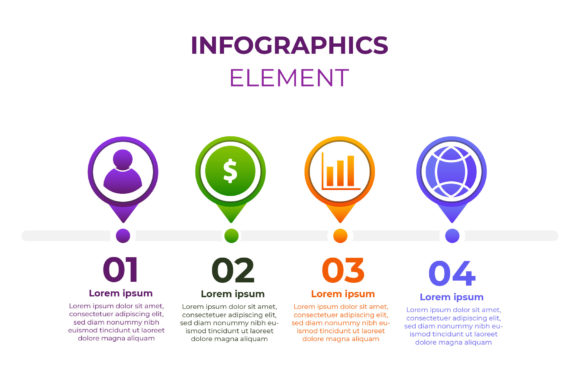
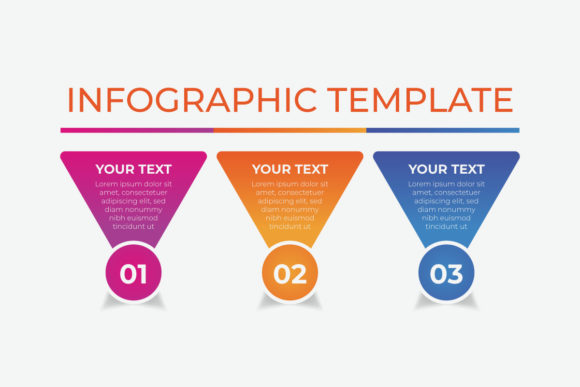
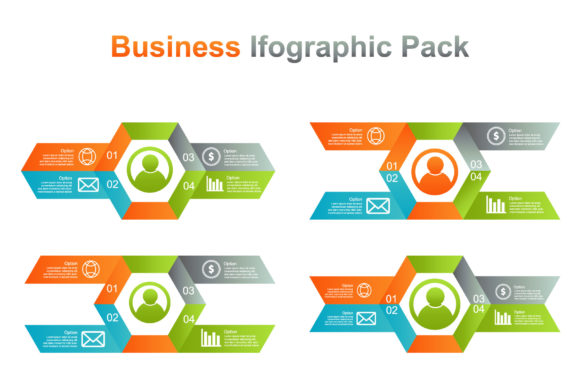
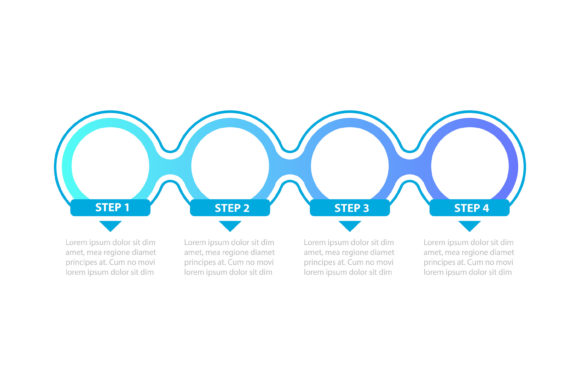
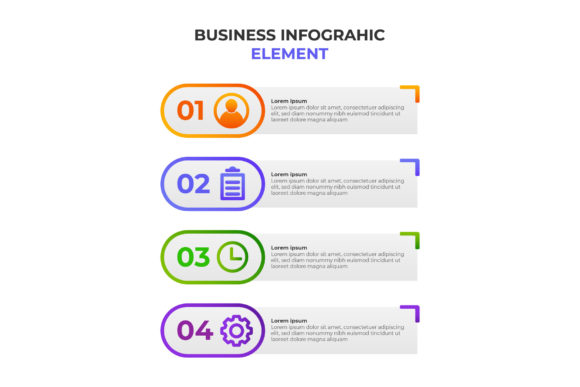
Visual storytelling in the corporate world often struggles to balance professionalism with engagement. The Gradient Business Infographic Template addresses this specific challenge by merging clean structural layouts with dynamic color transitions. This design asset is not merely a collection of shapes; it is a strategic tool for communicating complex data, processes, and timelines without overwhelming your audience. The template features a distinct four-step gradient business infographic element that serves as its visual anchor, guiding the viewer’s eye through sequential information with intuitive clarity.
The personality of this template leans toward modern sophistication. Unlike flat, static designs that can feel dated or overly utilitarian, the gradient treatment adds depth and movement. It suggests progression and innovation, making it particularly effective for tech startups, marketing agencies, and educational publishers. The style is versatile enough to maintain authority in a boardroom presentation while remaining visually stimulating for social media consumption. When you utilize this infographic design template, you are adopting a visual language that says your brand is current, organized, and attentive to detail.
Strategic Applications Across Digital and Print Media
Understanding where to deploy this template is just as important as knowing how to edit it. While primarily designed for digital presentations and web content, the vector nature of the file allows for seamless adaptation across various mediums. For marketers and content creators, the four-step layout is ideal for explaining sales funnels, customer journeys, or product development cycles. The gradient flow naturally implies forward momentum, which psychologically reinforces the concept of progress or improvement.
In editorial design and publishing, this template breaks up dense text blocks effectively. Whether you are designing an annual report, a white paper, or a magazine spread, the vibrant yet professional color schemes draw attention to key takeaways. Small business owners and entrepreneurs will find it particularly useful for pitch decks and investor updates. Instead of listing milestones in bullet points, the visual hierarchy of the gradient steps creates a narrative arc that is more memorable than standard typography alone.
For crafters and hobbyists who create digital planners or educational printables, the fully editable vector EPS 10 format offers immense flexibility. You can scale the elements to fit anything from a sticker sheet to a wall poster without losing resolution. This scalability ensures that your design assets remain crisp whether viewed on a smartphone screen or printed on large-format vinyl. The template bridges the gap between high-end corporate branding and accessible creative projects, proving that functional design does not have to be boring.
Enhancing Brand Perception Through Visual Hierarchy
Typography and color work in tandem within this template to establish a clear pecking order of information. While the gradient provides the emotional hook, the accompanying text areas are structured to support readability. In modern typography, the interplay between negative space and colored elements is crucial. This template respects that balance, ensuring that the decorative aspects never overshadow the data. When integrating this into your brand identity, consider how the gradient colors align with your existing palette. Because the file is fully editable, you can adjust the opacity and hue to match your specific brand guidelines, maintaining consistency across all touchpoints.
The four-step structure inherently creates a logical flow that reduces cognitive load for the viewer. In user experience and web design, we often talk about reducing friction; this infographic element achieves that visually. By presenting information in digestible chunks connected by a unifying color transition, you help the audience process information faster. This is particularly valuable in packaging design or instructional materials where quick comprehension is necessary. A well-executed infographic builds trust because it demonstrates that you have taken the time to organize your thoughts clearly.
Professionalism in design is often defined by restraint. The Gradient Business Infographic Template avoids the chaotic clutter that plagues many free resources. Its clean lines and purposeful color usage signal competence. For freelancers and agencies, using such polished templates elevates the perceived value of your deliverables. Clients associate high-quality visuals with high-quality service. Even if you are not a professional designer, starting with a premium foundation ensures your output looks intentional rather than accidental.
Maximizing Value with Editable Vector Assets
The technical specifications of this resource are what make it a practical choice for busy professionals. The inclusion of a fully editable vector EPS 10 file means you are not locked into a static image. Vector graphics differ significantly from raster images; they are mathematically defined paths that can be resized infinitely. This is essential for multi-channel marketing campaigns where the same graphic might need to appear as a tiny icon on a website and a massive backdrop at a trade show.
- Color Customization: Easily adjust gradient stops to match seasonal campaigns or specific client branding without degrading quality.
- Scalability: Resize individual steps or the entire composition for different aspect ratios, including Instagram stories, LinkedIn posts, or A4 handouts.
- Element Isolation: Extract single steps from the four-part sequence to use as standalone icons or badges in other layouts.
- Text Editing: Modify labels, descriptions, and headers directly in Adobe Illustrator or compatible vector software to suit your narrative.
When working with this creative font pairing and layout system, always test your changes at actual size. What looks legible on a 27-inch monitor may become illegible when printed on a business card or viewed on a mobile device. Ensure sufficient contrast between your text and the gradient background. Accessibility should never be sacrificed for aesthetics. If the gradient is too dark, switch to white text or place a semi-transparent overlay behind the copy to maintain WCAG compliance.
Practical Guidance for Implementation and Licensing
Before finalizing your project, evaluate the overall fit of the template against your communication goals. Does the four-step limit constrain your message, or does it force beneficial brevity? Sometimes, having fewer steps compels you to distill your message to its essence, which is often better for audience retention. If you need more steps, the vector nature allows you to duplicate and extend the pattern, though you must be careful to maintain the rhythmic spacing that makes the original design effective.
Font pairing is another critical consideration. The template likely includes placeholder typography that complements the gradient style. When swapping these out, aim for a sans serif font for body text to maintain modern readability, perhaps paired with a bold display font for headers. Avoid ornate script fonts or heavy serifs that might clash with the smooth, contemporary feel of the gradients. Test your pairings in context; a typeface that looks elegant in isolation might become muddy when placed over a complex color transition.
Finally, always review the licensing terms associated with the commercial font and template assets. Understanding whether you have rights for personal use, commercial client work, or resale is vital for protecting your business. Most premium templates allow for end-product use but prohibit reselling the template itself. Respecting these terms supports the designers who create these tools and keeps you legally compliant. By treating this Gradient Business Infographic Template as a foundational component of your design system rather than a one-off fix, you extract maximum value and streamline your future creative workflows.