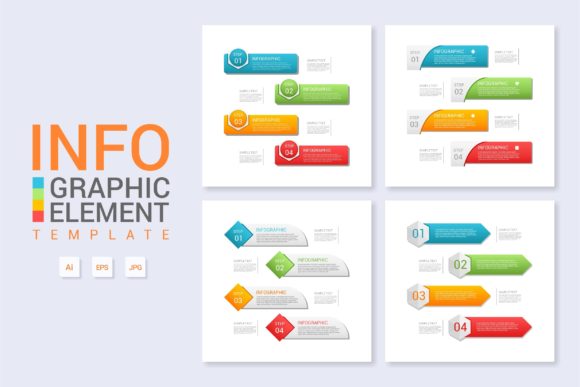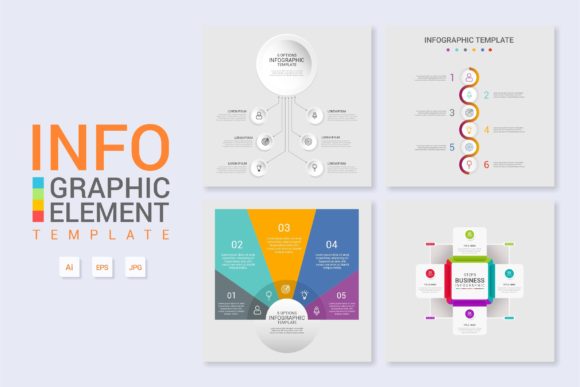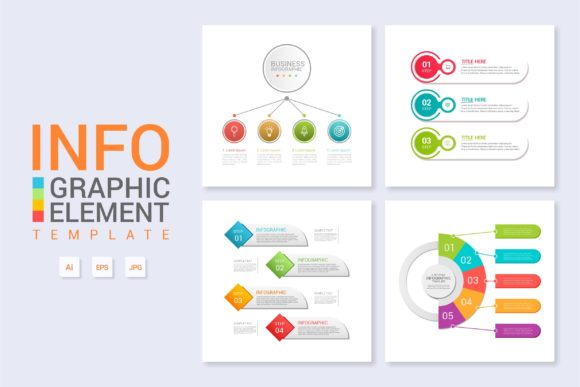
Streamlining Visual Communication with Infographic Template Vol.11
The Role of Structured Layouts in Modern Web Design
In an era where digital attention spans are measured in seconds, the ability to convey complex information quickly is a critical skill for professionals across every sector. Whether presenting quarterly financial results, explaining a scientific workflow, or marketing a new consumer product, visual hierarchy dictates comprehension. Infographic Template Vol.11 addresses this need by providing a pre-architected visual framework that eliminates the guesswork associated with data presentation. Rather than starting from a blank canvas, designers and non-designers alike can leverage established grid systems and typographic pairings to ensure their message is not only seen but understood.
The primary advantage of using a dedicated template like Vol.11 lies in its semantic structure. Unlike generic graphic assets, this template is engineered specifically for information density without sacrificing aesthetic appeal. It serves as a bridge between raw data and audience engagement, transforming abstract concepts into tangible visual narratives. For web designers, this means faster deployment of landing pages and blog content that retains visitors. For educators and researchers, it offers a standardized method for disseminating knowledge that adheres to professional design principles without requiring advanced artistic training.
Technical Flexibility Through Layered Organization
A common frustration with downloadable design assets is poor file hygiene. Files that lack proper naming conventions or logical grouping can take longer to edit than creating a design from scratch. Infographic Template Vol.11 distinguishes itself through meticulous organization. Every element within the Main AI and EPS files is layered and categorized intuitively. This structural integrity is essential for collaborative environments where multiple stakeholders may need to access or adjust the file.
- Logical Grouping: Backgrounds, text elements, icons, and charts are separated into distinct layers, allowing users to toggle visibility and lock specific sections to prevent accidental edits.
- Vector Scalability: The inclusion of Main EPS files ensures that graphics remain crisp at any resolution, making the template suitable for everything from mobile web banners to large-format printed posters.
- Non-Destructive Editing: Because the file utilizes smart objects and editable vector shapes, users can modify colors and dimensions without degrading image quality or breaking the layout alignment.
This level of technical refinement supports a wide variety of output formats. A business owner might use the high-resolution EPS version for a trade show banner, while simultaneously exporting a web-optimized JPEG from the AI file for social media promotion. The versatility stems directly from the foundational quality of the source files.
Practical Applications Across Diverse Industries
The utility of Infographic Template Vol.11 extends far beyond simple data visualization. Its modular nature allows it to function as a multi-purpose asset in various professional workflows. Understanding these specific use cases helps users maximize the return on investment when integrating this template into their creative arsenal.
Workflow and Process Diagrams
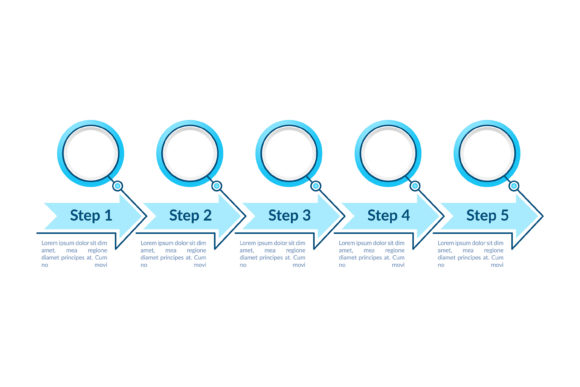
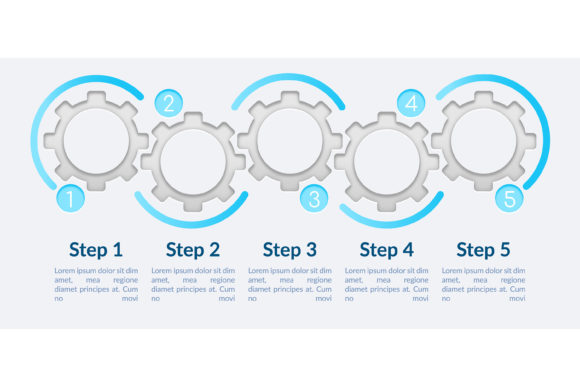
For project managers and operations teams, clarity is paramount. Explaining a standard operating procedure (SOP) or a software development lifecycle often requires linear or cyclical diagrams. Vol.11 provides pre-configured flowchart elements that maintain consistent spacing and alignment. Instead of manually drawing connectors and adjusting node sizes, users can simply input their process steps. This consistency reduces cognitive load for the viewer, allowing them to focus on the logic of the workflow rather than deciphering a messy diagram. In corporate training scenarios, this standardized approach ensures that all employees receive information in a uniform format, reinforcing organizational branding and reducing ambiguity.
About the Product Showcases
E-commerce and product marketing rely heavily on feature highlighting. The "About the Product" infographic layout included in this volume is optimized for breaking down technical specifications into digestible chunks. By utilizing icon-text pairings and callout boxes, creators can draw attention to unique selling propositions (USPs) effectively. For example, a tech company launching a new gadget can use the template to map out hardware specs, battery life, and connectivity options in a visually balanced grid. This application is particularly valuable for Amazon listings, Kickstarter campaigns, and product landing pages where space is limited and visual impact drives conversion rates.
Educational and Research Summaries
Academics and educators face the challenge of simplifying dense material without losing nuance. Infographic Template Vol.11 offers a neutral, professional aesthetic that suits scholarly content. Researchers can use the banner layouts to summarize study findings for conference presentations or public outreach articles. The clean typography and ample whitespace prevent the design from feeling cluttered, which is crucial when presenting statistical data or historical timelines. Furthermore, because the template uses free fonts, educators can share editable source files with students or colleagues without worrying about licensing restrictions or missing font errors.
Optimizing Content for Digital Engagement
Beyond static images, this template plays a significant role in broader web design strategies. Search engines and social algorithms increasingly favor content that generates dwell time and interaction. Well-designed infographics naturally encourage these behaviors. When integrated into a blog post or article, Infographic Template Vol.11 acts as a visual anchor that breaks up long-form text, improving readability scores and reducing bounce rates.
From an SEO perspective, the structured nature of the template supports accessibility best practices. Because the text remains editable and separate from background elements, web developers can easily extract copy for alt text and metadata. This ensures that the visual content contributes to the page's overall keyword relevance and accessibility compliance. Additionally, the banner-sized variations are perfectly dimensioned for Open Graph tags, ensuring that shared links display attractive, informative previews on social media platforms.
Typography and Licensing Considerations
One of the most practical features of Infographic Template Vol.11 is its reliance on free fonts. In professional design work, font licensing can be a legal minefield and a budgetary burden. By utilizing open-source typefaces, this template removes friction from the production process. Users can modify text freely without needing to purchase additional licenses or worry about embedding restrictions in PDFs or web kits. This makes the template exceptionally safe for commercial projects, client deliverables, and open-source educational resources. The chosen typefaces are also selected for legibility and neutrality, ensuring they complement rather than compete with the data being presented.
Implementation Best Practices for Non-Designers
While Infographic Template Vol.11 is built for professionals, its "easy to modify" architecture makes it accessible to hobbyists and business owners. However, achieving professional results requires adherence to certain design principles during the editing process.
- Maintain Visual Hierarchy: Resist the urge to make all text the same size. Use the template’s existing heading and body styles to guide the viewer’s eye through the content in a logical order.
- Respect Whitespace: The empty space in the template is intentional. Crowding elements together reduces readability. If you have more content than the layout allows, consider splitting it into two separate graphics rather than shrinking text to fit.
- Consistent Color Usage: Utilize the global swatches or color groups provided in the AI file. Changing a single global color should update the entire theme, ensuring brand consistency across multiple slides or banners.
- Icon Consistency: When replacing placeholder icons, ensure new icons match the stroke weight and style of the originals. Mixing line-art icons with filled 3D icons creates visual dissonance that undermines professionalism.
By following these guidelines, users can leverage the underlying expertise embedded in Infographic Template Vol.11 while customizing it to meet their specific communication goals. The template serves not just as a shortcut, but as a design education tool, demonstrating how effective layouts are constructed through balance, contrast, and alignment.
Adapting for Different Media Formats
The true test of a versatile template is its adaptability. Infographic Template Vol.11 excels here due to its vector-based foundation. For digital marketers, the horizontal banner layouts can be repurposed as email headers or YouTube thumbnails with minimal adjustment. For print designers, the high-DPI capability ensures that the same file used for a website can be sent to a commercial printer for brochures or flyers without pixelation. This cross-media compatibility streamlines asset management, allowing organizations to maintain a cohesive visual identity across touchpoints without recreating designs for each platform. The organized layer structure further facilitates this adaptation, as elements intended for web can be easily hidden or isolated for print-specific adjustments such as bleed and trim marks.